The 14 inch MacBook Pro with M6 is a focused update. Apple's announcement centers on the M6 chip, battery life, and configuration options that matter most to owners of older Macs. Whether it is worth buying depends on the Mac you use today, so this guide works through the main starting points.
Back to featured
Should You Buy the M6 MacBook Pro? A Buyer Guide
SpexHive Editorial
October 27, 2026
featured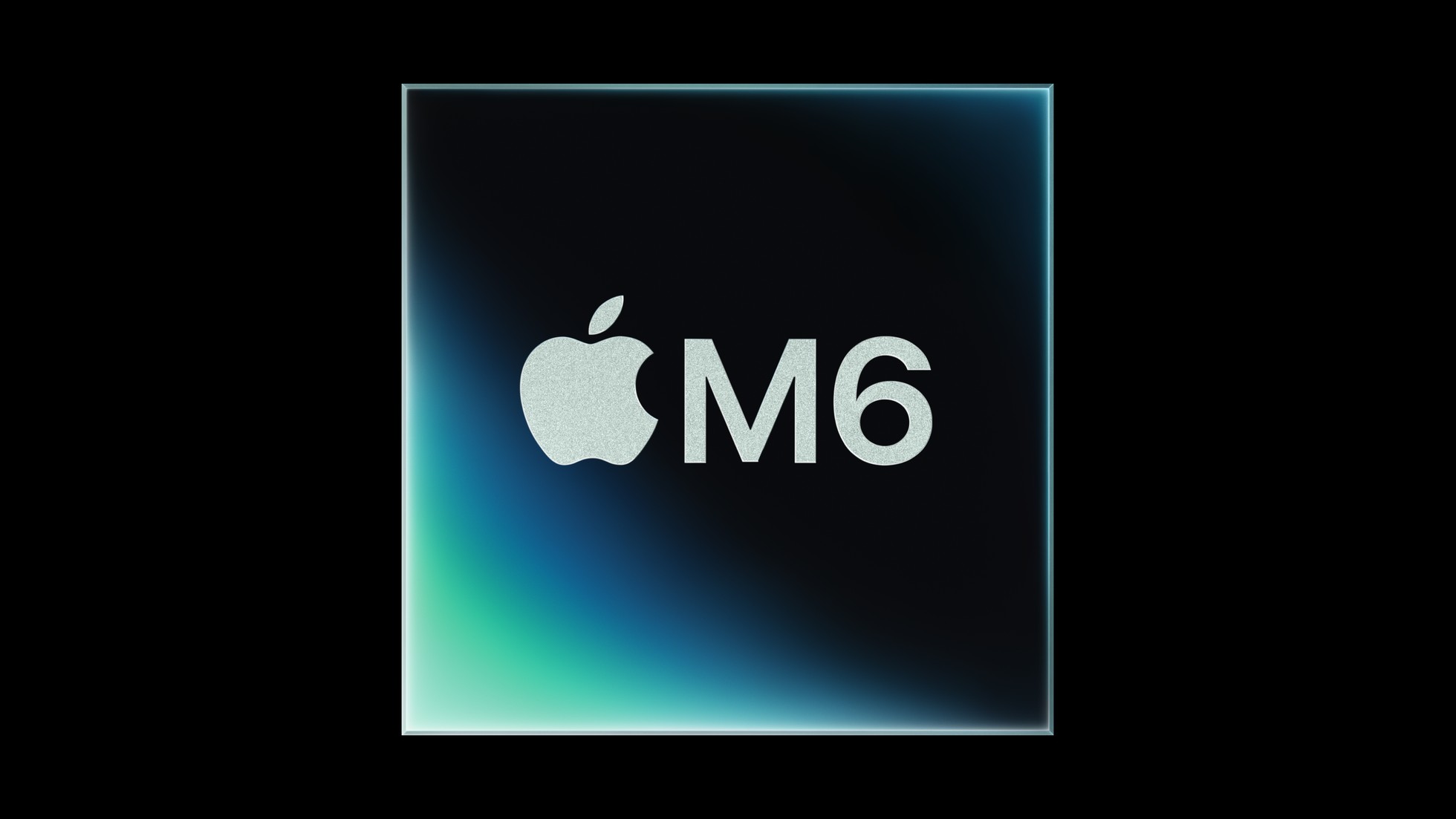
The 14 inch MacBook Pro with M6 chip. Image: Apple
If you own an Intel MacBook Pro
Apple says owners upgrading from Intel models gain up to 14 more hours of battery life. The new model starts with 16GB of memory and adds an extra Thunderbolt port. If battery life is your main problem, the 14 hour gain is the most relevant figure. Check your current battery life against the claim of up to 24 hours before you decide.
If you own an M1 MacBook Pro
Apple's headline figures for M1 owners are up to 11x faster graphics and up to 13x faster AI performance. It also says M1 owners gain up to four more hours of battery life. In Apple's chart, the M1 comparison reaches up to 11.7x in Blender ray traced rendering and up to 2.5x in Xcode builds. If your work depends on on device AI tasks or long renders, the upgrade case is strong. For lighter work, the gain is less clear.
If you own an M5 MacBook Pro
The gains over M5 are real but smaller. Apple's headline figures are up to 30 percent faster graphics, up to 25 percent faster on device AI workloads and up to 1.9x faster Neural Engine performance. Its Blender, Affinity and Xcode figures range from 1.2x to 1.3x. Our view is that most M5 owners should wait unless their daily work leans hard on AI or graphics. Apple's M5 baseline has a 10 core CPU, a 10 core GPU, 32GB of memory and a 4TB SSD, so your results will depend on your configuration.
Who should wait
Anyone waiting for a 16 inch model or an M6 Pro or M6 Max chip will not find one in this announcement, which covers only the 14 inch model with the M6 chip. If you need more than 16GB of memory, check the price of the 32GB option on the MacBook Pro page at apple.com before you decide, since the announcement does not list it.
Checklist before you buy
- Your current battery life, compared with the claim of up to 24 hours.
- Whether 16GB of memory is enough for your work, and the price of the 32GB option.
- Whether you want Siri AI now. Apple says it is in beta in macOS 27.2, has daily limits on server features and will cost money for expanded access in the future.
- Whether you rely on the ports Apple lists, which include HDMI, MagSafe 3, three Thunderbolt 4 ports, an SDXC card slot and a headphone jack.
We will update this guide when hands on reviews of the M6 MacBook Pro are available.
Related Devices & Tags
#MacBook Pro#M6#Apple#Buyer guide#Laptops
Discussion
You must be logged in to join the discussion.
💬
No comments yet. Be the first to start the discussion!
More featured from SpexHive
- featuredMotorola Signature 27 or Xiaomi 18 Pro: How the Spec Sheets Compare
- featuredThe iPhone Duo Display Problem: What Apple Has Said and What Buyers Should Know
- featuredThis Week in Phones: October 26 to November 1, 2026
- featuredMemory Chips Carried Samsung's Record Quarter While Its Mobile Unit Posted a Loss